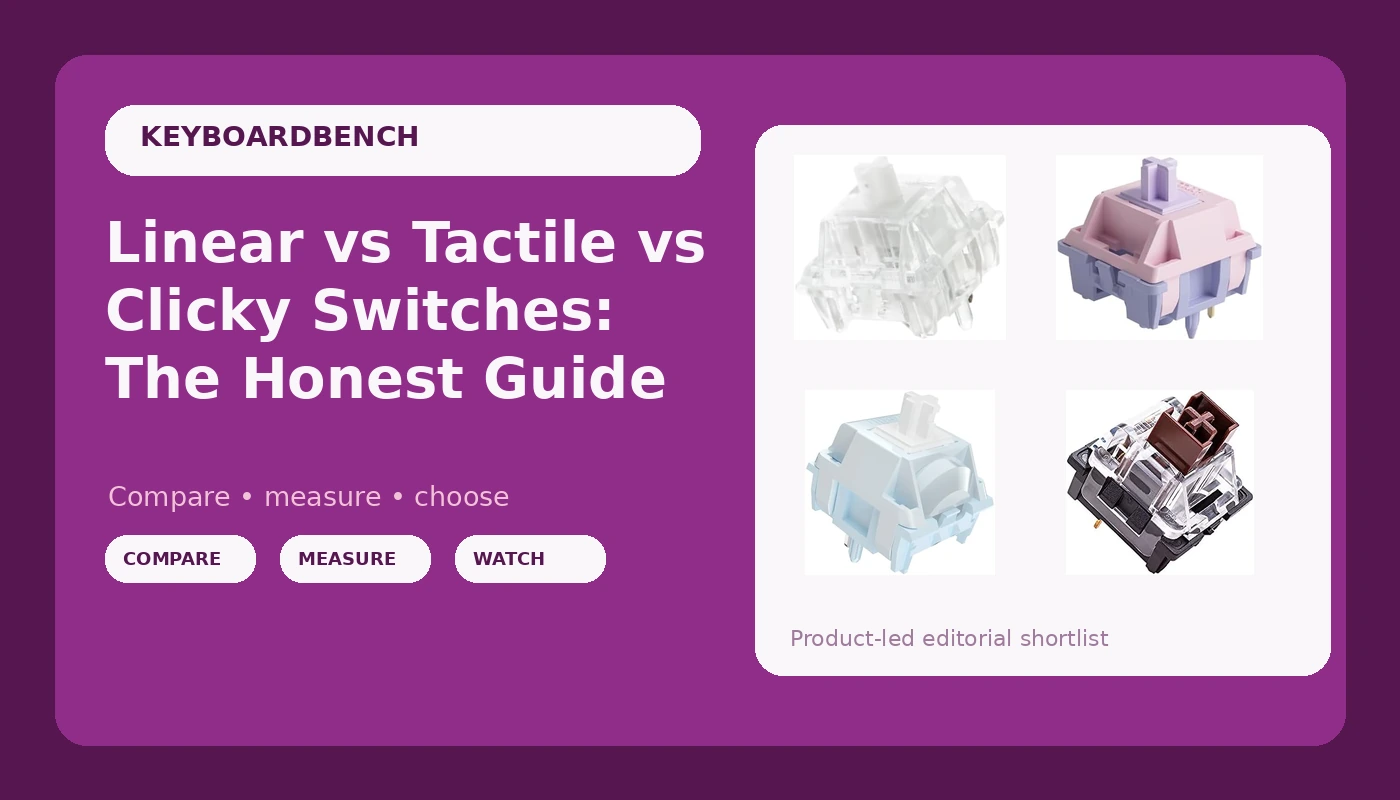
Linear vs Tactile vs Clicky Switches: The Honest Guide
The marketing says linear switches are for gamers, tactile are for typists, and clicky are for people who hate their coworkers. Is that actually true? I've been typing on mechanical keyboards for four years now, eight hours a day writing code, and I've got 30+ sets of switches in tackle boxes under my desk.
I've lubed them, tape-modded the cases, and done eyes-closed comparisons. Here's the truth: the categories matter way less than the specific switch, and the "best" choice depends on whether you want sound, feel, or speed.
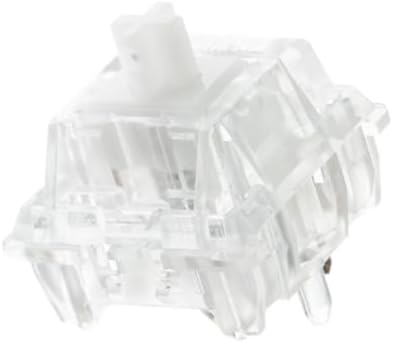
EPOMAKER Silent Mechanical Keyboard Switches Set - 35 Pieces Factory Pre-Lubed, 5-Pin Linear/Tactile Switches for Custom Mechanical Keyboards (Crystal(Tactile Silent))
Factory lubed, genuinely quiet, smooth enough for long sessions
Visit on Amazon →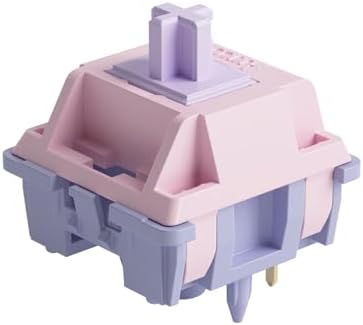
Akko V3 Fairy Linear Silent Keyboard Switch for Mechanical Gaming Keyboard, 5-Pin 50gf Quiet Pre-Lubed Switches with Standard MX Structure (45pcs)
Quiet and silent, perfect for shared spaces
Visit on Amazon →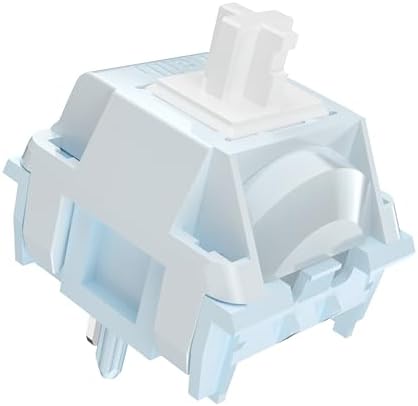
Kailh Box White Clicky Switch Mechanical Keyboard Switches for Gaming & Typing | Hot-Swappable, Dustproof, 3-Pin & 5-Pin Compatible(72pcs)
Crisp, satisfying click with no scratchy drag
Visit on Amazon →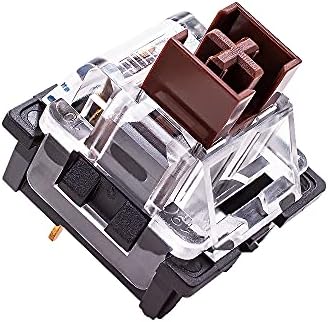
OUTEMU Blue Switches 3-pin Tactile Clicky 50gf - DIY Replacement for Mechanical Gaming Keyboard - 20 Pack with 1 Switch Puller
Cheap, classic clicky feel, great for a first build
Visit on Amazon →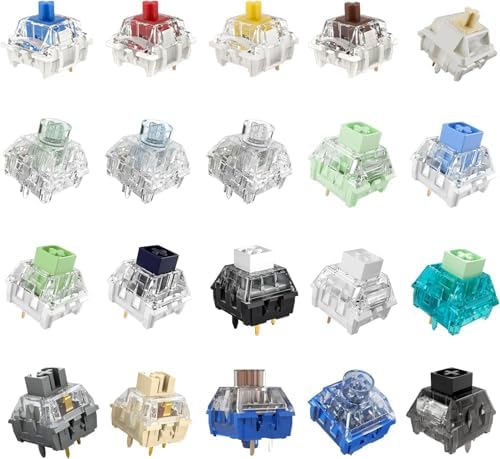
Kailh Series Mechanical Keyboard Switches Sample Pack (20pcs)
Box Bamboo : Thick clicky feel,Firm Response,Crisp sound,Good for gaming;Great for Installed in the big keyboard key position. Box White Pro: Operating Force:45gf,Original fine lubrication,stable and
Visit on Amazon →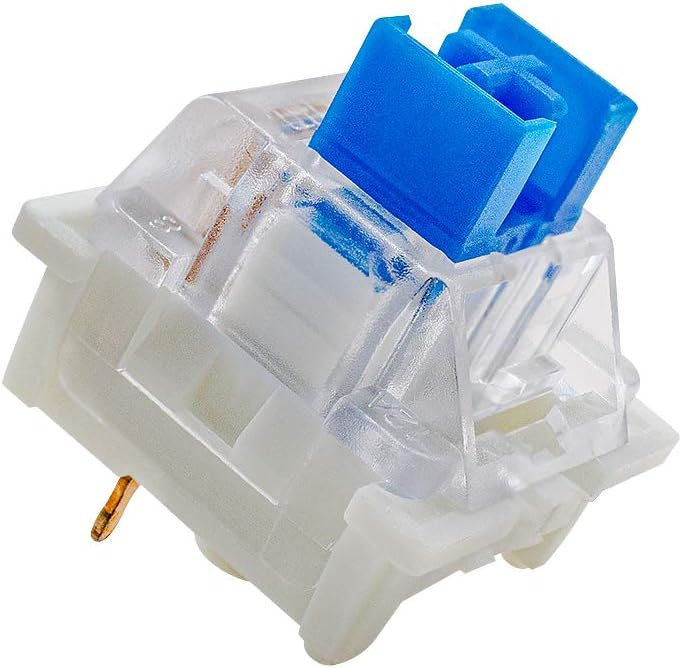
outemu Blue Switches 20 Pack, 3 Pin/Clicky Tactile 50gf/Dustproof/RGB Key Switches - Cherry MX Equivalent - DIY Replaceable for Mechanical Keyboard
Crystal Stomp Whisper Lilac Sea Salt Silent V3 Cream Marble Roseveil
Visit on Amazon →How I tested
I've been using mechanical keyboards for four years. My daily driver is an AULA F75 Pro with Leobog Reaper linear switches, and I've got a Logitech MX Mechanical with tactiles on my side desk. My dog Ollie sleeps next to me while I type, and he's knocked exactly one keyboard off the desk in his life.
I still miss that board. I tested these switches the same way I test everything: two weeks of daily typing, real work, not just gaming.
I pressed the spacebar, backspace, and enter at different speeds and angles to check for stabilizer rattle.
I closed my eyes and tapped each key in a pattern until I could feel the difference in my fingertips.
I don't track prices day to day, so I won't pretend to know next week's. But I know what these cost right now, and I know what they're worth.
The EPOMAKER Silent Switches
The first thing you notice is the absence. No clack, no thock, no click. Just a soft, muffled thump that sounds like typing on a thick mousepad. I installed these in a hot-swap board I keep at my desk for late-night coding sessions when my roommate is asleep, and they deliver exactly what they promise: silence.
But here's the trade-off. The sound signature is so dampened that you lose the auditory feedback that tells you a key actually registered. I found myself bottoming out harder than usual, pressing keys with more force because my ears couldn't confirm the press.
It took about a week to adjust. After two weeks, I stopped noticing. That's the real test, by the way.
If you stop noticing the keyboard, it's good.
The smoothness is genuinely impressive. Factory lubed, zero scratchy noises, and the 35-piece set is enough to cover a 60% or 75% board with spares. At around ~$30, it's a fair price for what you get. If you work in a shared space or have a partner who sleeps while you type, these are the ones. Just know that "silent" also means "no satisfying sound," and some people never get used to that.
The Akko V3 Fairy Silent Linear
I'll be honest. I bought these because the name sounded ridiculous and I wanted to see if they lived up to it. They do. The Fairy switches are silent linear switches with a creamy feel that surprised me. They're not the creamiest I've ever felt, but for the price, they're close.
These are the switches I'd recommend to someone who wants the feel of a premium linear without the noise. They're factory lubed, smooth to type on, and quiet enough that Ollie doesn't stir when I'm typing at 2 AM. The 50gf actuation force is light enough for long sessions without fatigue, but not so light that you accidentally trigger keys.
The downside is the same as any silent switch: you lose the audible feedback. And the sound they do produce is more "soft thud" than "thock." If you're chasing that deep, resonant bottom-out sound, these aren't it. But if you want smooth, quiet, and reliable, they're a strong choice. I've had them in a board for three months now, and they haven't developed any scratchiness or unevenness.
The Kailh Box White Clicky
These are the switches that started arguments in my house. The Box White is a clicky switch with a crisp, sharp sound that cuts through everything. It's not a deep click like the old Cherry Blues. It's higher pitched, cleaner, and honestly, kind of addictive.
I put these in a board for a week just to see if I could handle them. The click is satisfying at first. You find yourself typing things you don't need to type, just to hear it. Emails, notes, grocery lists, gibberish paragraphs. But by day three, I was wearing headphones more often. By day five, I was considering moving my desk to the garage.
The sound is the issue. It's not that it's too loud, it's that it's relentless. Every keystroke announces itself. If you're the only person in the room, that's great. If you're on a video call, your coworkers will hear every single word you type. I know because they told me.
That said, the feel is excellent. The click is crisp with no scratchy drag, the actuation is consistent, and the 50g force is a nice middle ground. If you want a clicky switch and you're the only person within earshot, these are the ones. If you share space with anyone, get the silent ones instead.
The Outemu Blue Switches
These are the budget classic. The Outemu Blue is a tactile clicky switch with a 50g actuation force that's been the default "first mechanical switch" for years. I started on a board with these, before I knew what I was doing. The first week was amazing. The click was loud, the feel was responsive, and I felt like I'd discovered a secret.
Then the honeymoon ended. The scratchiness became noticeable. The stabilizers on my cheap board rattled. And the sound, which had been satisfying, started to feel thin and hollow compared to the deeper thock of better switches. I moved on to linears within a year, and I've never looked back.
That's not to say these are bad. At around ~$15 for a set, they're the cheapest way to get into clicky switches, and they're perfectly fine for a first build. The 3-pin design makes them compatible with most hot-swap boards, and the click is classic, even if it's not the cleanest.
If you're on a tight budget and you want to know what clicky feels like, these are a fine starting point.
Just know that you'll probably want to upgrade within a year.
The Kailh/Gateron Sample Pack
This is the smartest ~$18 you can spend in this hobby. The sample pack includes 20 switches across the Kailh and Gateron lineups, covering linear, tactile, and clicky in various weights and profiles. I wish I'd bought this before I spent ~$60 on a full set of switches I ended up hating.
The value here isn't the switches themselves. It's the education. You can put one switch in your board, type on it for a day, swap it out, and repeat. You'll learn what you actually like without committing to a full set. This is exactly what I recommend to anyone who's asking the linear vs tactile vs clicky question. Stop guessing. Test.
The downside is that sample switches don't always reflect the full-set experience. A single switch in a board with good stabilizers and gasket mounting will feel different than a full set in a budget board. But for understanding the fundamental differences, it's the best tool available.
The Low Profile Switch Tester
If you're looking at low profile keyboards, this 12-switch sampler is a useful starting point. It covers the range of low profile options from various manufacturers, giving you a sense of what's available in the thinner form factor.
I'll be honest. I don't use low profile boards much. They're not my thing. But I picked this up because a friend was shopping for a slim keyboard and I wanted to give informed advice. The tester is well made, the switches are labeled clearly, and it does what it's supposed to do.
The limitation is that low profile switches feel different in a full keyboard. The mounting, the plate, the keycaps all affect the experience. A tester tells you the switch's character, but not how it'll feel in your specific board. If you're already committed to low profile, this is a decent way to narrow down your options. If you're not, start with the full-size sampler instead.
So which switch type should you actually buy?
Here's the thing I've learned after four years and 30+ switch sets. The categories matter less than the specific switch. A good linear is smoother than a bad tactile. A good clicky is cleaner than a bad linear. The marketing labels are just starting points.
Choose linear if you want smooth, quiet, and fast. The AULA F75 Pro with Leobog Reapers is the best budget example I've tested. Choose tactile if you want feedback without the noise. The Logitech MX Mechanical is clacky but reliable. Choose clicky if you're the only person in the room and you want every keystroke to announce itself.
My honest bottom line: if you're not sure what you like, buy the Kailh/Gateron sample pack and find out. It's ~$18, it'll save you from buying a full set you hate, and you'll actually understand what "creamy" and "thocky" mean instead of guessing. That's worth more than any single switch set.