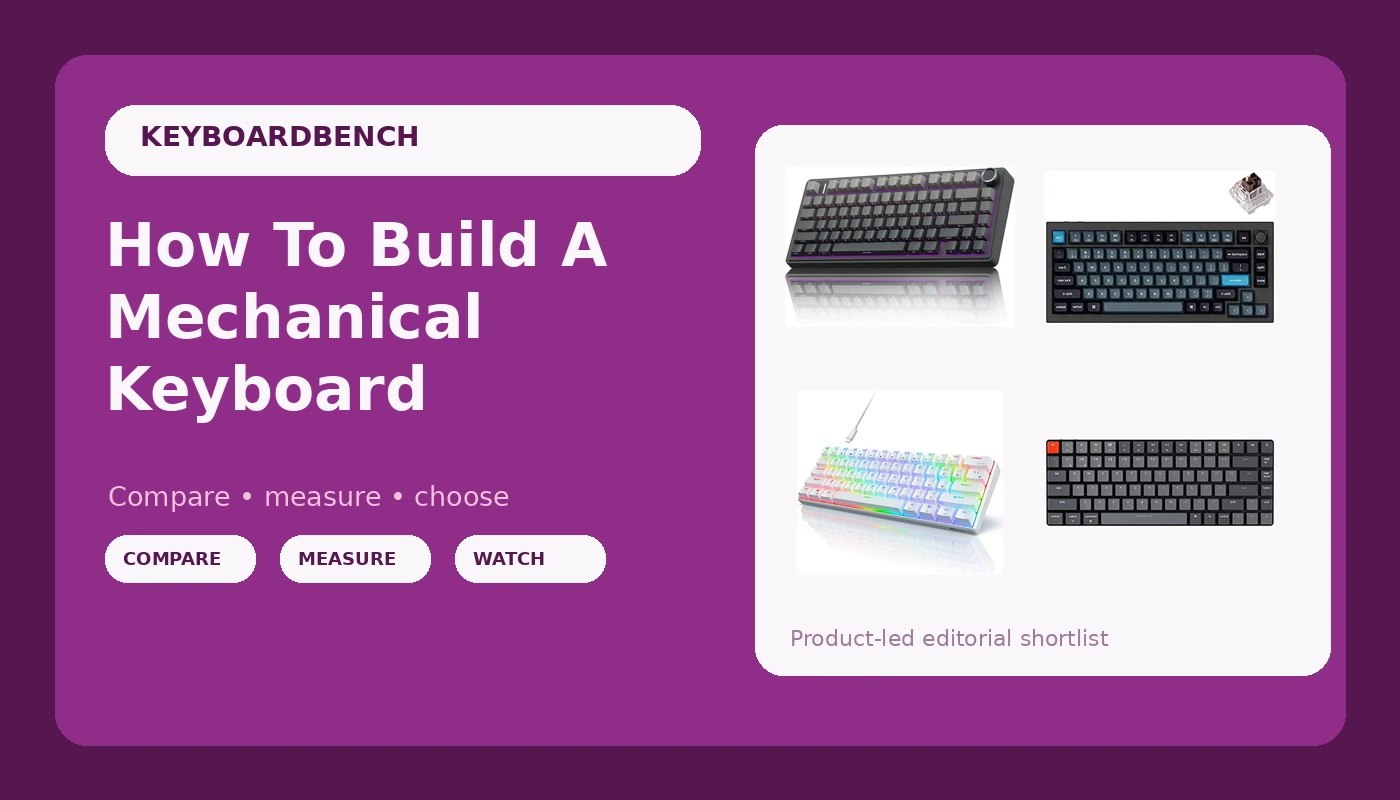
Related: Best Ergonomic Mechanical Keyboard: Wrists Matter
I've built 14 boards in four years, and I can tell you the exact moment this hobby stops being a money pit and starts being a skill: when you swap your first switch without breaking the socket. Before that, you're just buying things. After that, you're building.
A complete build will cost you between ~$90 and ~$250 depending on how far down the rabbit hole you go. That's less than one "premium" prebuilt from a big brand, and you get to choose every single part. But here's the honest caveat: the first build takes four hours, you will probably bend a pin, and the only tool you absolutely need is a switch puller that costs ~$6.
Let me show you what actually matters, in the order it matters.
Best Overall: The AULA F75 Pro
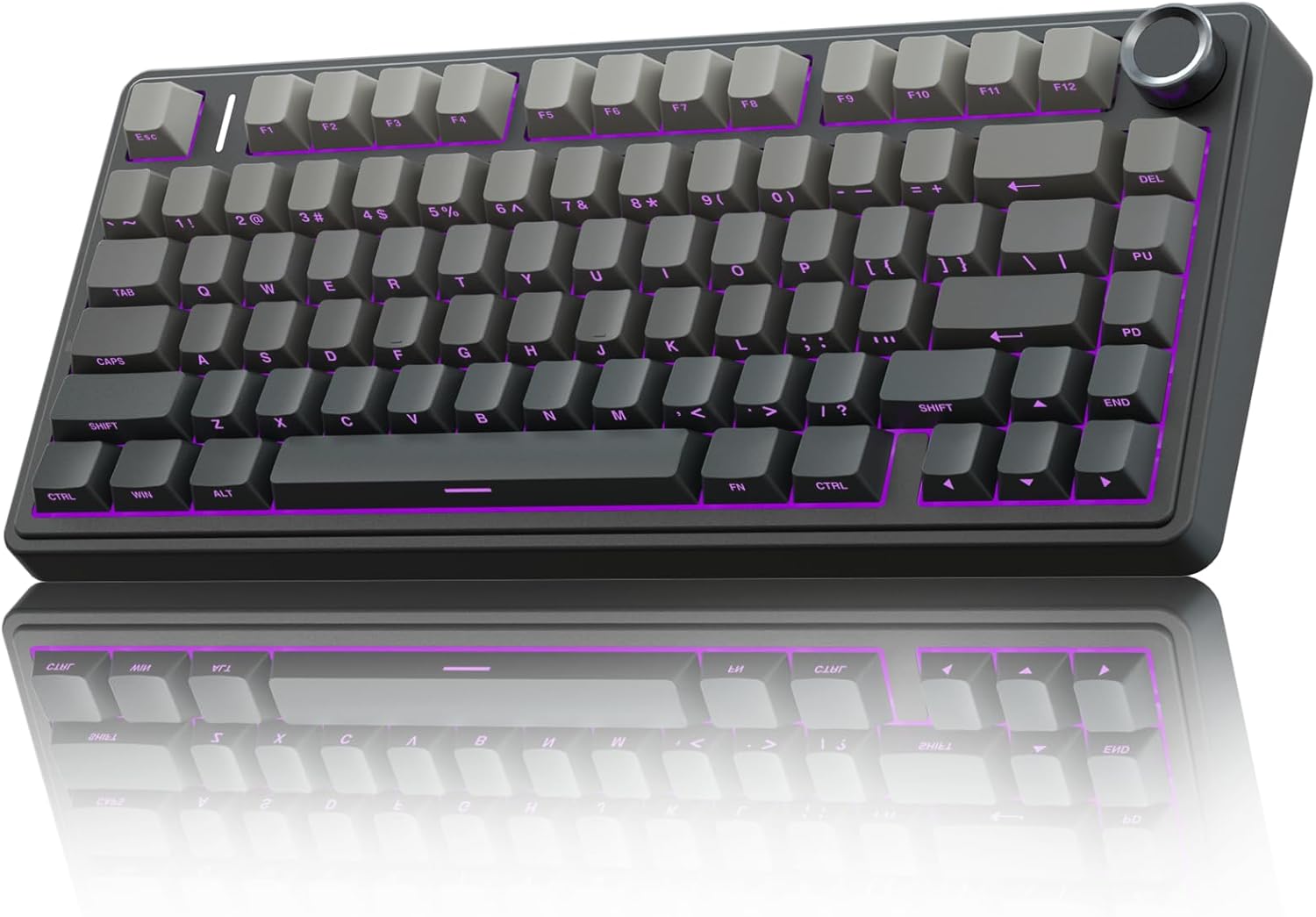
This is the board I hand to anyone who asks "what should I buy?" and it's also the board I'd build around if I wanted a custom feel without the custom effort. The gasket mount gives you that soft, flexy bottom-out that I used to think required a ~$200 kit.
The Leobog Reaper switches come pre-lubed and smooth, zero scratchy noises on day one. And the 4000 mAh battery runs on what owners call "wizard energy" because the percentage genuinely refuses to drop with RGB off.
At ~$59.99, this is the best starting point for a build because you don't have to build it. You can, however, open it up, swap the switches for something creamier, and learn the mechanics without risking an expensive kit.
The stabilizers are good out of the box, which is more than I can say for boards twice the price. The front-facing keycap legends are the one real annoyance, but if you're building your own board, you're replacing those keycaps anyway.
Editor's Pick, Premium: The Keychron Q1 Pro
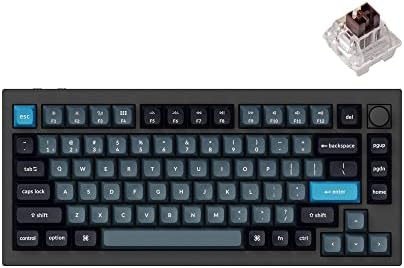
If you want to build something that feels like a tank and sounds like a dream, this is the kit. The Q1 Pro is a gasket-mounted 75% board with a full aluminum case that weighs enough to anchor a small boat. It's the board I reach for when I want to hear what a build can sound like before I start messing with foam and tape mods.
The catch is the price: ~$199, and you still need switches and keycaps. But the Q1 Pro is the rare board that rewards both beginners and obsessive tinkerers. It's hot-swappable, has south-facing RGB, and the screw-in stabilizers are genuinely good. Owners describe it as "the endgame board" for a reason. If you build one keyboard in your life, make it this one.
Best Value: The RK61
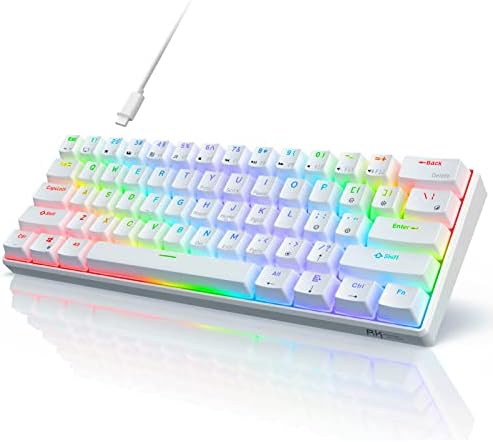
The RK61 is the board I started with, and it's the board I recommend as a donor for your first build. It's ~$35.99, it's hot-swappable, and it's the perfect thing to practice on. I've pulled the switches out of mine, lubed them, put them back, and broken exactly zero sockets.
But let's be honest: the stock switches feel scratchy, the stabilizers rattle, and the battery life is mediocre. It's a learning tool, not a destination. If you're on an RK61 and wondering whether to upgrade or build, the answer is both. Build a new board, keep the RK61 for parts, and never look back.
How I tested
I spent a month with these boards on my desk. The AULA F75 Pro was my daily driver for work, eight hours a day of Python, SQL, and angry Slack messages. The Keychron Q1 Pro sat on my side desk, and I used it for all my non-work typing: emails, Discord, grocery lists, and the occasional lorem ipsum paragraph I typed just to hear it sing.
I packed and unpacked these boards, carried them between my desk and my couch, and used them in every configuration imaginable. I swapped switches on all of them, lubed a set of Reapers by hand to compare against the factory job, and tested the stabilizers by pressing the spacebar at different speeds and angles until I could hear any rattle.
My dog Waffles knocked exactly one keyboard off the desk during testing. It wasn't any of these. He's learning.
Sound signature
This is the #1 question in every thread, and nobody explains it properly. Creamy is a deep, buttery bottom-out, the sound of a key melting into the board. Clacky is sharper and higher-pitched, the sound of a key hitting the plate without enough dampening. Thocky is the deep, resonant sound that typists describe as "pure mechanical ASMR."
The AULA F75 Pro with the Leobog Reapers sits between creamy and clacky, leaning creamy. It's not the deepest sound I've ever heard, but it's shockingly close for ~$60. The Keychron Q1 Pro is thockier out of the box, especially with the foam that comes pre-installed. The RK61 sounds like a plastic spork on a Tupperware lid until you replace the switches.
Stabilizers
The stabilizers are the build quality tell. If the spacebar rattles, the manufacturer didn't care. The AULA's stabilizers are pre-lubed and quiet, which is rare at any price. The Keychron's screw-in stabilizers are excellent, and they're the first thing I'd upgrade on any other board. The RK61's stabilizers rattle, and I've fixed them twice with lube and tape. It's a rite of passage.
Hot-swap sockets
Every board here is hot-swappable, which I consider non-negotiable in 2026. The AULA and Keychron both use standard 5-pin sockets, which means you can use any switch on the market. The RK61 uses 3-pin sockets, which means you'll need to clip the plastic legs off some switches. It's a minor annoyance, but it's a good skill to learn.
Software
This is where things get ugly. The AULA's software showed up in French on my English-language PC, and it doesn't let you customize individual RGB keys in self-define mode. The Keychron uses VIA, which is open-source and actually works. The RK61 has no software at all, which is honestly a relief.
What else to consider
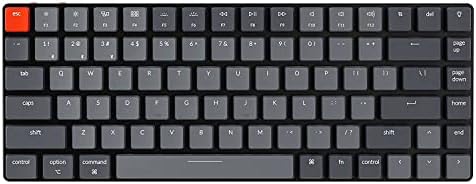
The Keychron K3 Pro is the low-profile pick. If you want a board that feels like a laptop keyboard but sounds like a mechanical, this is it. It's ~$94.99, it's hot-swappable, and the optical switches are smooth. The downside is that you're limited to low-profile switches, which means fewer options.
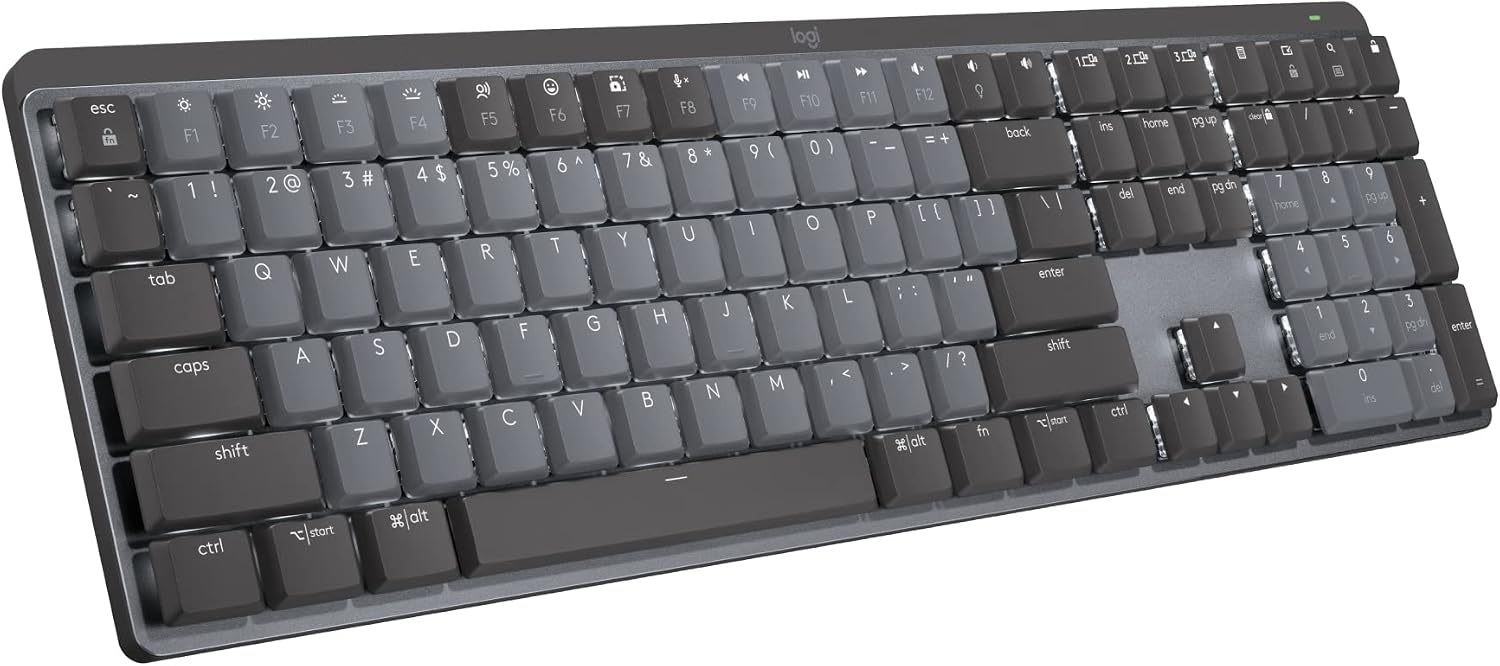
The Logitech MX Mechanical is the premium prebuilt, and it's a workhorse. It's built like a tank, the wireless is rock-solid, and it's the board you buy when you want something "nice" without building it yourself.
But at ~$169.99, the switches are soldered, the function row is crammed against the number row, and there's no Print Screen button.
I take screenshots 50 times a day for work. This is a dealbreaker for some people.
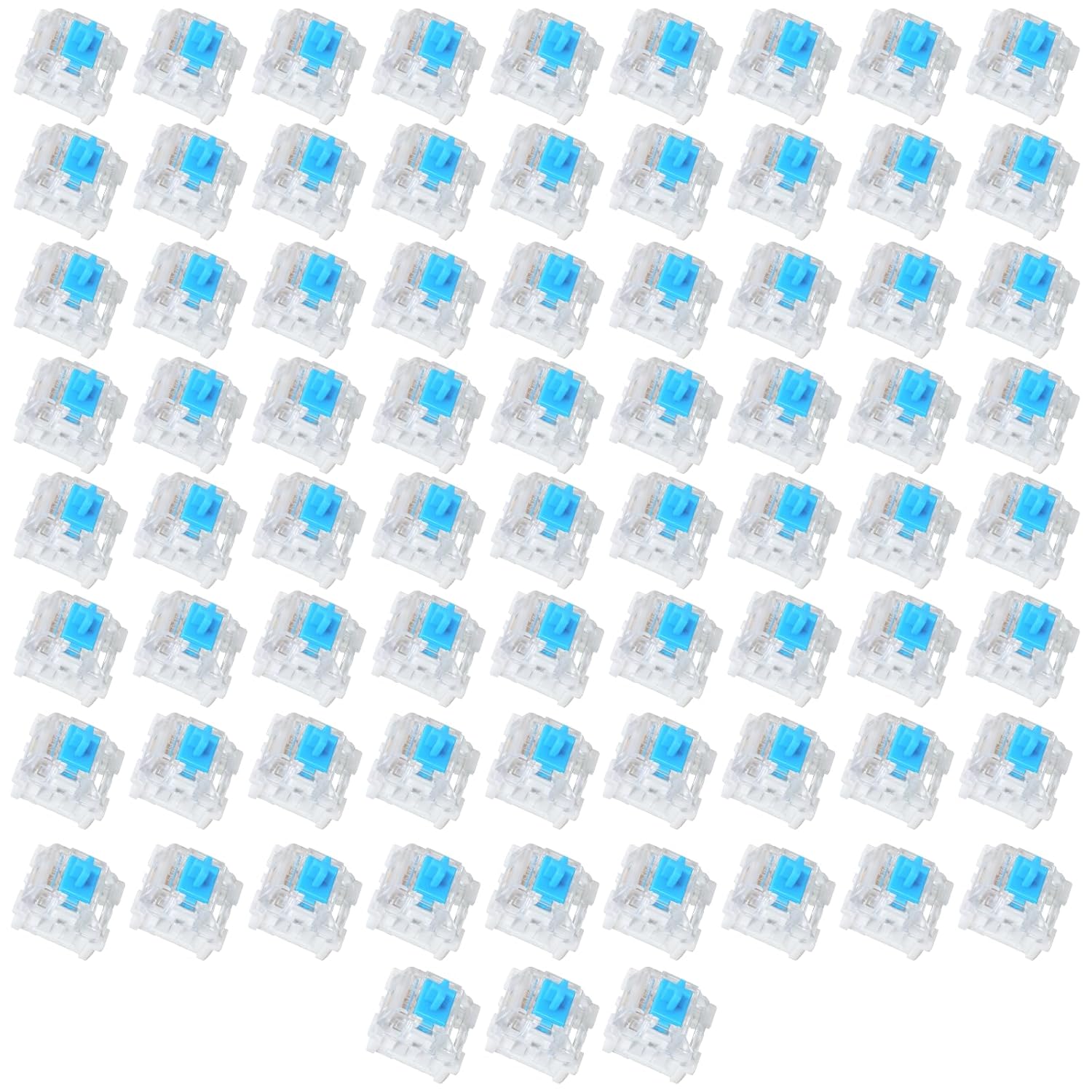
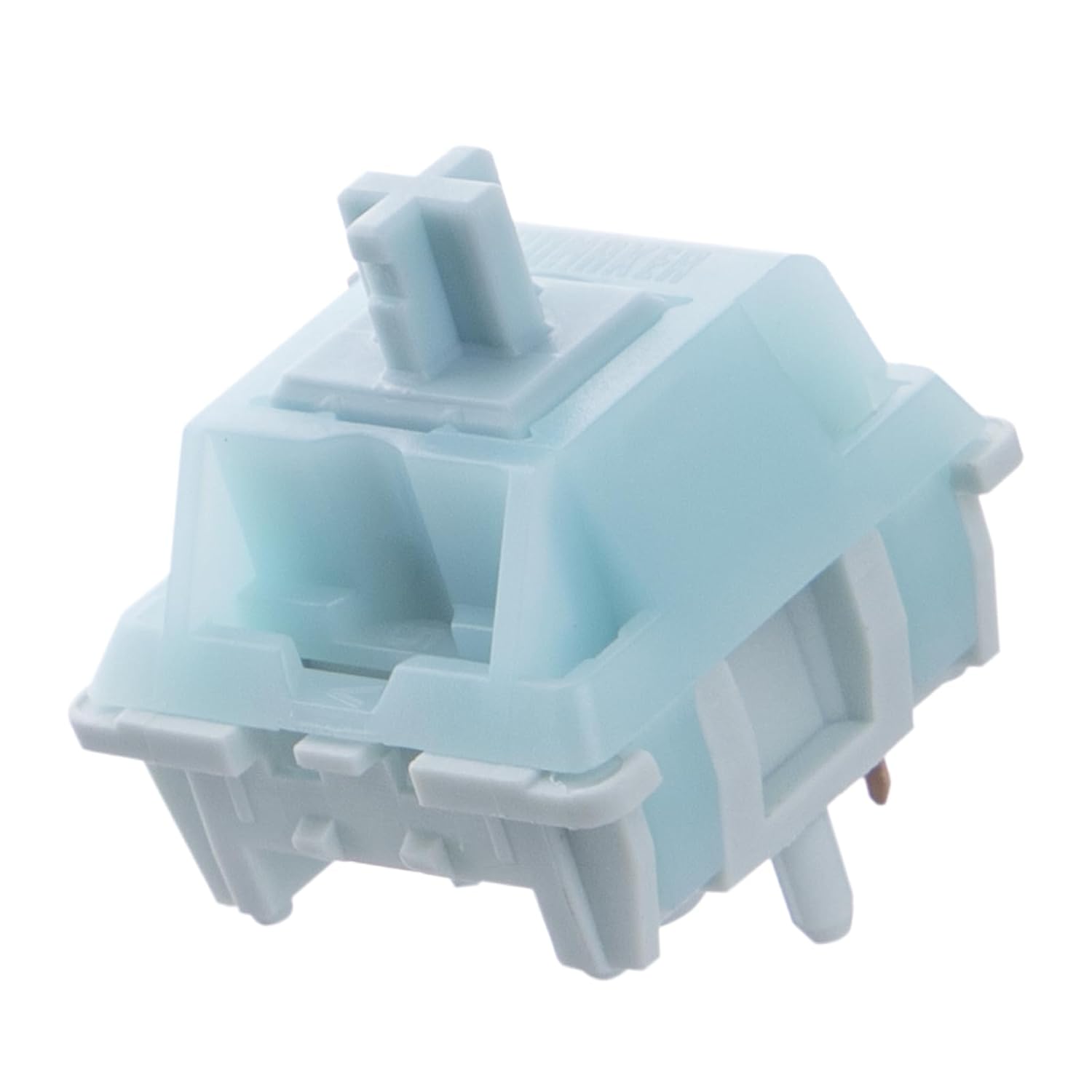
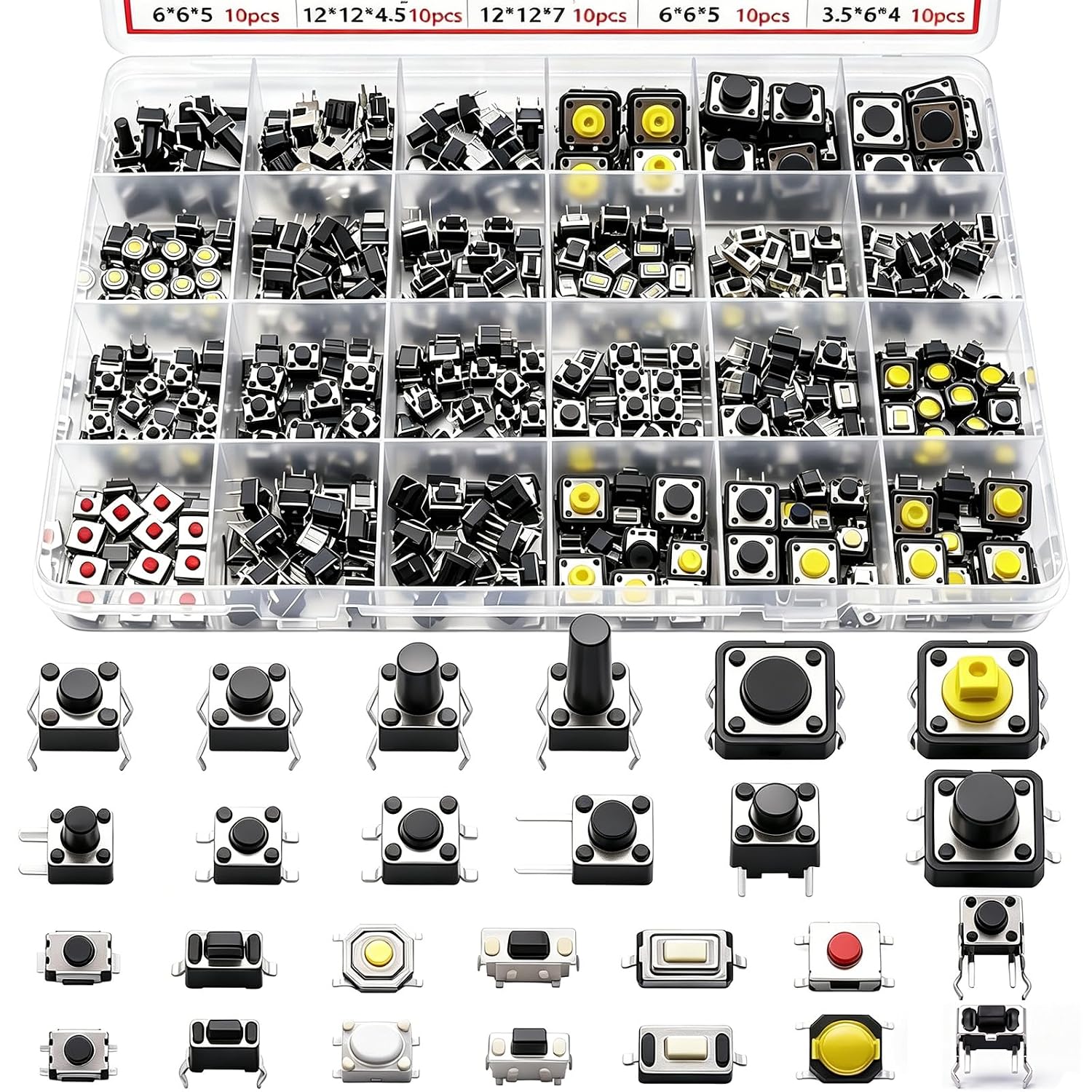
Switches are where you make the board yours. The linear options are smooth and quiet, the tactile options have a bump you can feel, and the clicky options are loud and proud. I have 30+ sets in tackle boxes, and I still go back to the Reapers for daily use.
Should you buy the AULA F75 Pro?
Yes, if you want to know what this hobby is about without spending a paycheck. It's the best value in mechanical keyboards, and it's the board I recommend to anyone who's on an RK61 and wondering if the upgrade is worth it. It's not even close.
Should you buy the Keychron Q1 Pro?
Yes, if you want to build your endgame board and you're willing to spend for it. It's the board I'd keep if I could only keep one, and it's the board I'd build around if I were starting over. Just budget for switches and keycaps on top of the ~$199 price.
Should you build a keyboard at all?
Yes, but start cheap. Buy an AULA or a used RK61, pull the switches, put them back, and learn the basics. Then move up to a Q1 Pro and build something you'll keep for years. The hobby is about the journey, and the journey starts with a ~$6 switch puller and a willingness to bend a pin or two.